

Guides
Connected accounts and pending transactions
Follow a transaction from secure account connection through Plaid, Granite synchronization, pending activity, and your updated budget.
The short version
You connect an eligible financial account through Plaid. Plaid communicates with your financial institution and lets Granite know when account or transaction updates are available. Granite then retrieves the available changes, organizes them into customer-facing records, and stores the information needed to keep your budget current.
That process can feel immediate, but it is not a live wire into your bank account. Your institution, Plaid, and Granite each have a role—and new activity can only move forward when the previous step has made it available.
Step 1: You choose what to connect
When you add an account, Granite opens Plaid’s secure connection experience. You select your institution, complete its authentication requirements, and choose the eligible accounts you want to share.
Plaid handles the bank login and authentication experience. Granite does not ask you to send bank passwords to our support team, and reconnection should always happen through the secure flow inside the product.
Step 2: Granite establishes the connection
After you approve the connection, Granite receives the information needed to recognize the connected institution and the accounts you selected. Granite can then begin requesting the financial data required for supported budgeting features.
The initial connection may finish before every historical transaction is ready. Granite can show what is currently available and continue catching up as Plaid completes the initial data preparation.
Step 3: Plaid signals that something changed
Plaid periodically checks connected institutions for new or updated information. When changes are available, Plaid sends Granite a webhook—a secure notification that tells our system it is time to synchronize again.
The webhook is a signal, not the complete transaction history. Granite validates the notification and then requests the available changes from Plaid.
Step 4: Granite reconciles and stores the update
A synchronization can contain newly added activity, changes to activity we have seen before, or notice that an earlier record should be removed. Granite reconciles those changes so the same purchase is not intentionally treated as a brand-new expense every time an account updates.
Granite then stores the structured transaction and connection information needed to power supported views such as recent activity, category insights, cash flow, and your safe-to-spend budget.
Step 5: Your budget uses the latest eligible information
Once eligible transaction activity has been synchronized and processed, Granite can reflect it in the relevant budget views. A new purchase may reduce what remains safe to spend, while eligible income or a corrected transaction may move the number in another direction.
Not every record affects every Granite calculation. Transfers, ignored activity, pending status, customer adjustments, and other context can change how a transaction is treated.
Why pending and posted transactions look different
A pending transaction is an early version of activity that the financial institution has not fully settled. When it posts, the final record can have a different date, merchant description, or amount. Restaurant tips, hotel holds, gas-station authorizations, and delayed card processing are common reasons for a change.
Plaid may represent the posted version as a new transaction while removing the pending version. Granite reconciles those updates so your history can move from the temporary record toward the final one.
Why an update may take time
Some institutions make new information available within hours, while others may take one or two business days or longer. That range is context rather than a delivery promise: timing depends on the institution, connection health, transaction status, and when Plaid can retrieve the next eligible update.
- Your institution has not made the activity available yet
- The purchase is still pending or its final amount is changing
- The institution checks for updates on its own schedule
- The connection needs you to authenticate again
- Granite has received a signal but is still processing the available changes
What to check when activity seems missing
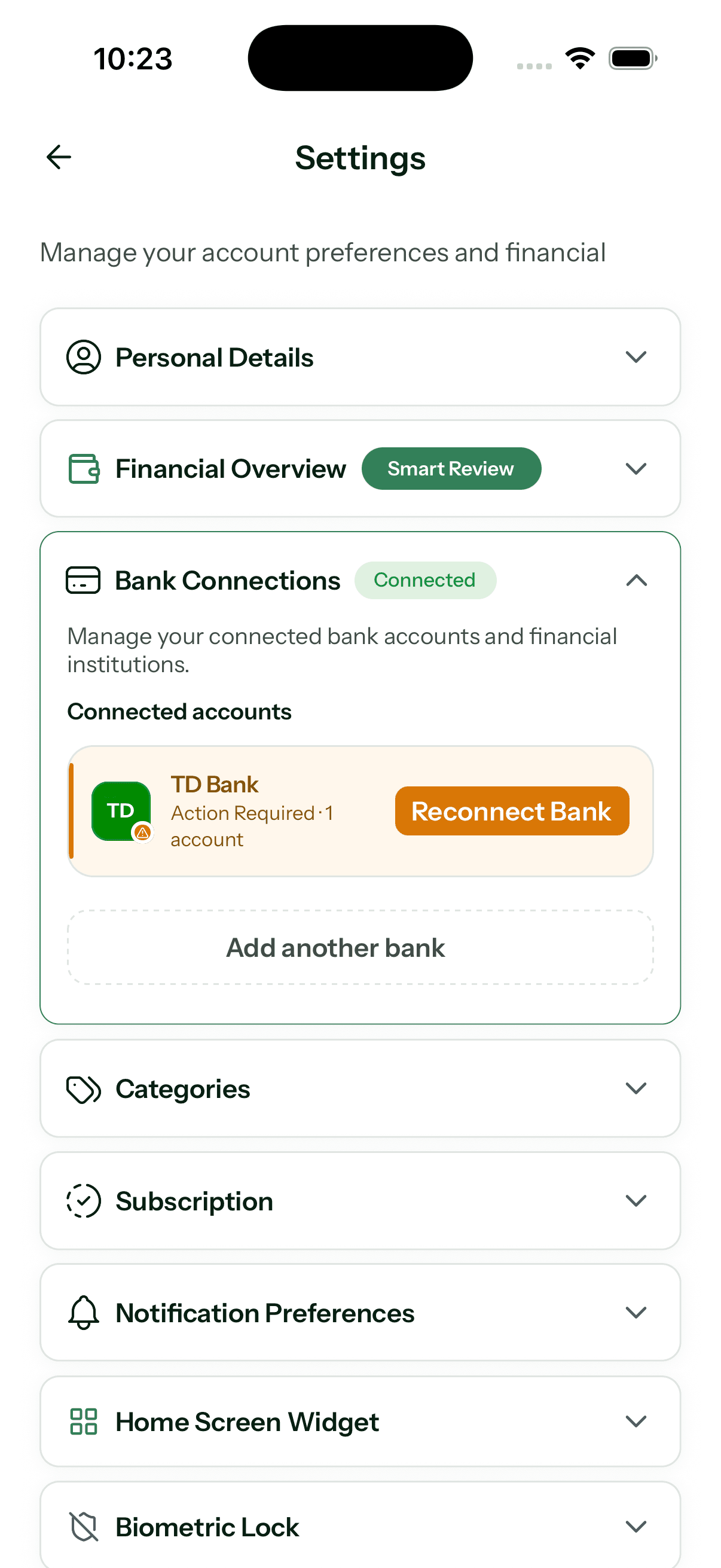
- Confirm the institution and account still appear under Bank Connections
- Look for a reconnect or attention-required message
- Check whether the activity is still pending at your institution
- Use the in-product refresh action when Granite offers it
- Allow recently posted activity time to complete the synchronization path
When to contact Granite
Contact us when an account remains disconnected, recent posted activity stays missing after a reasonable update window, or the same transaction appears more than once after pending activity has settled. Tell us the institution, approximate date, and what you expected to see.
Never send a bank password, full account number, Plaid credential, or complete card number. Granite support does not need those details to begin investigating a connection issue.
Continue learning
Keep building the full picture
Getting started
What is Granite Finance?
Learn how Granite turns your financial plan and connected-account activity into a daily budget, cash-flow context, and clearer spending decisions.
Troubleshooting
Why did my daily budget change?
See why a daily budget can rise or fall after spending, income, pending transactions, transfers, plan edits, or the normal progression of the month.
Getting started
What is a daily budget? Meaning and examples
Learn what a daily budget means, see a simple example, and understand how Granite turns a monthly financial plan into useful spending context.
Guides
How transactions affect your Granite budget
Understand how purchases, income, pending activity, manual entries, edits, categories, and ignored transactions change what remains available.
Troubleshooting
Refunds, reimbursements, and credit-card payments
Learn how refunds, statement credits, reimbursements, transfers, and credit-card payments should affect your Granite budget without double counting.
Guides
How to read Granite’s 30-day cash-flow forecast
Understand current checking, projected low points, expected deposits and bills, credit-card due dates, and why a new forecast needs history.
Guides
How to manage your Granite account
Manage your subscription, connected banks, privacy choices, supported platforms, and permanent account deletion.
Troubleshooting
How to troubleshoot a Granite bank connection
Reconnect an institution, add newly available accounts, investigate delayed activity, and know when replacing a connection is the right next step.
Guides
How to search and filter transactions in Granite
Find the activity you need by merchant, category, account, date, amount, or transaction status.