

Guides
How to use the Granite Finance plugin in ChatGPT
Add Granite Finance from ChatGPT’s plugin directory, approve scoped access, ask supported budgeting questions, and disconnect when you choose.
Granite Finance is available in ChatGPT
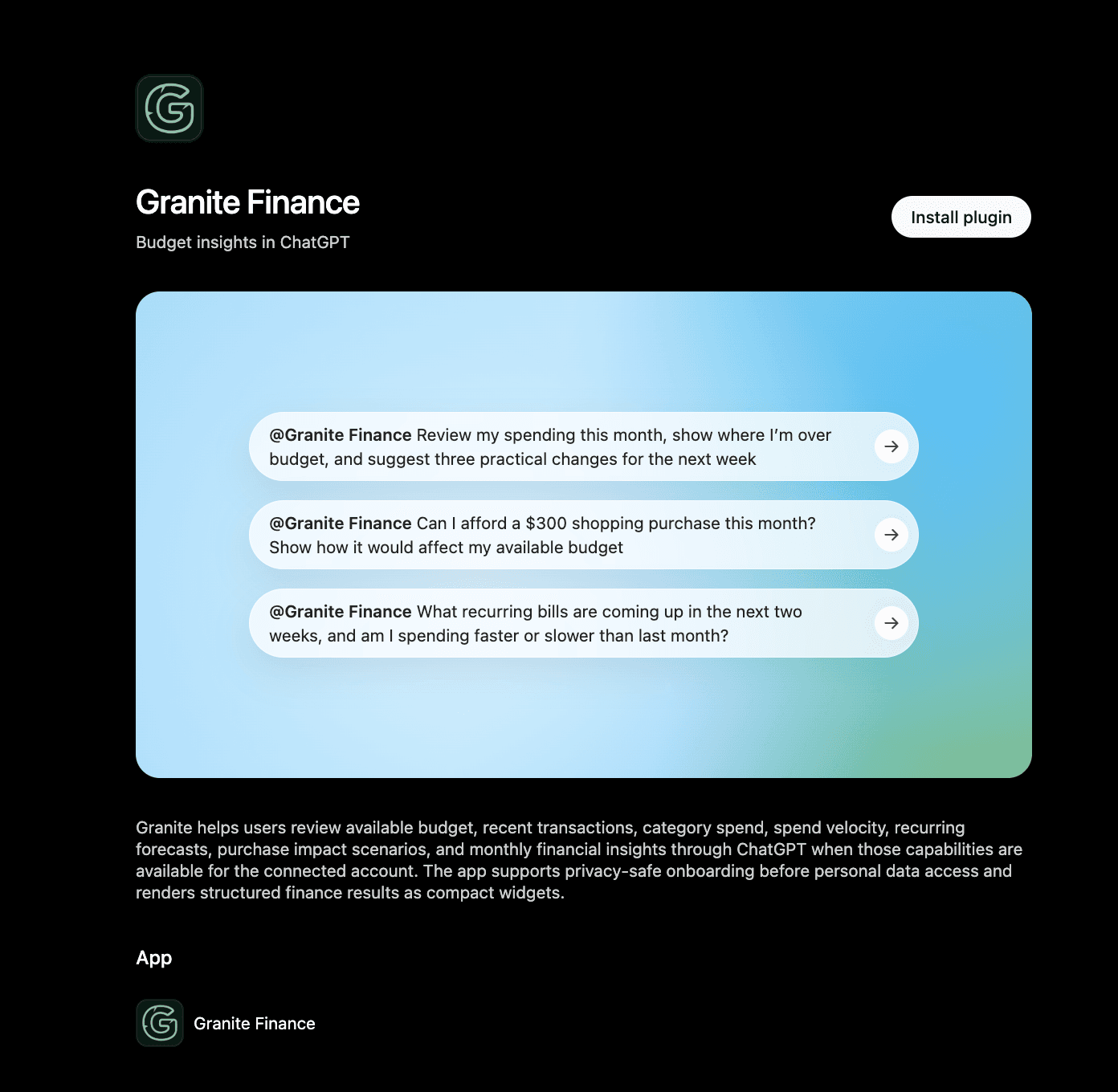
Granite Finance is available from ChatGPT’s plugin directory as a finance app for personal budgeting workflows. It can bring approved Granite context into a conversation and render compact results for available budget, transactions, category spending, monthly Insights, recurring forecasts, spending pace, and hypothetical purchase impact.
The plugin can explain what Granite supports before you authorize personal financial access. When you request account-specific information, ChatGPT directs you through Granite’s connection and permission flow.
Add the plugin and begin a conversation
Open the Granite Finance listing in ChatGPT and choose Try in chat. You can also find it from the plugin directory, subject to your ChatGPT plan, region, supported surface, and any workspace controls that apply to your account.
When an account-specific request needs authorization, ChatGPT sends you to Granite to sign in and review the requested access. Confirm that you are on Granite’s authentic sign-in and authorization experience, approve only the permissions you want to grant, and return to ChatGPT when the flow finishes.
What the current Granite plugin can do
The current Granite Finance plugin focuses on reviewing and explaining supported financial context. Granite validates the signed-in account, requested scope, subscription entitlement, and supported tool whenever an eligible request runs.
- Review the available Granite budget for a supported date
- Find recent transactions and summarize spending by category
- Compare current month-to-date spending with the previous month
- Review recurring bills and scheduled inflows in an upcoming period
- Display ready monthly Insights and guided financial summaries
- Model how a hypothetical purchase could affect the available budget
What the current plugin does not do
The published plugin does not expose tools that edit, delete, ignore, or recategorize Granite transactions. It also does not transfer money, pay bills, change bank settings, execute trades, or make a purchase on your behalf.
Use Granite itself for supported account and transaction changes. Treat ChatGPT responses as planning context, and review important amounts in Granite or with the relevant financial institution before making a time-sensitive decision.
Prompts to try
Mention Granite Finance in the prompt or select the plugin from ChatGPT’s tools when it is not already active in the conversation. If the request needs a permission you have not granted, ChatGPT can ask you to complete or update the connection first.
- Review my spending this month, show where I am over budget, and suggest three practical changes for the next week.
- Can I afford a $300 shopping purchase this month? Show how it would affect my available Granite budget.
- What recurring bills are coming up in the next two weeks, and am I spending faster or slower than last month?
- Show my most recent Granite transactions from this month.
- Show my monthly Granite Insights and explain the categories that changed most.
Access remains scoped and account-specific
Connecting the plugin does not make your Granite information public or give ChatGPT unrestricted access to the account. Granite limits eligible requests to the scopes granted to the connection and records supported assistant activity for review.
ChatGPT may share relevant conversation context with a connected app when that context helps fulfill your request, subject to the ChatGPT settings and notices shown for the plugin. Avoid including unrelated sensitive information in a conversation where it is not needed.
Some capabilities require a Granite subscription
A privacy-safe overview of Granite’s capabilities can be available before personal financial scopes are granted. Tools that read available budget, transactions, Insights, recurring activity, or other customer-specific financial context can require an active Granite subscription or enabled entitlement.
Approving access does not bypass a subscription requirement. If an eligible tool is unavailable, review your Granite subscription and the permissions granted to the ChatGPT connection.
Review activity and disconnect when you choose
In Granite, open Settings, then Assistant Access. The page shows whether ChatGPT is connected, the permissions currently granted, and recent assistant activity available for review. Activity can identify the Granite tool used, whether it succeeded, and when the request occurred.
Choose Disconnect ChatGPT to revoke Granite authorization and prevent future requests through that connection. You can also manage connected plugins from ChatGPT settings. Disconnecting does not cancel your Granite subscription, disconnect your banks, delete conversations stored by another service, or delete your Granite account.
If the connection does not work
If the problem continues, contact Granite with the approximate time, the kind of question requested, and whether Assistant Access shows an active connection. Do not include conversation secrets, access tokens, bank credentials, verification codes, or full account numbers.
- Confirm Granite Finance is available for your ChatGPT plan, region, surface, and workspace
- Confirm you signed in to the intended Granite account
- Review whether the requested permission was approved
- Check whether the tool requires an active subscription
- Open Granite Assistant Access and confirm ChatGPT shows as connected
- Disconnect and begin a fresh authorization if the earlier flow did not finish
- Review assistant activity for a failed request and its time
Continue learning
Keep building the full picture
Guides
How to manage your Granite account
Manage your subscription, connected banks, privacy choices, supported platforms, and permanent account deletion.
Guides
How to understand Granite Insights
Read your monthly snapshot, six-month trends, category spending, largest expenses, and savings progress without mixing unlike totals.
Guides
How to read Granite’s 30-day cash-flow forecast
Understand current checking, projected low points, expected deposits and bills, credit-card due dates, and why a new forecast needs history.
Guides
How transactions affect your Granite budget
Understand how purchases, income, pending activity, manual entries, edits, categories, and ignored transactions change what remains available.